
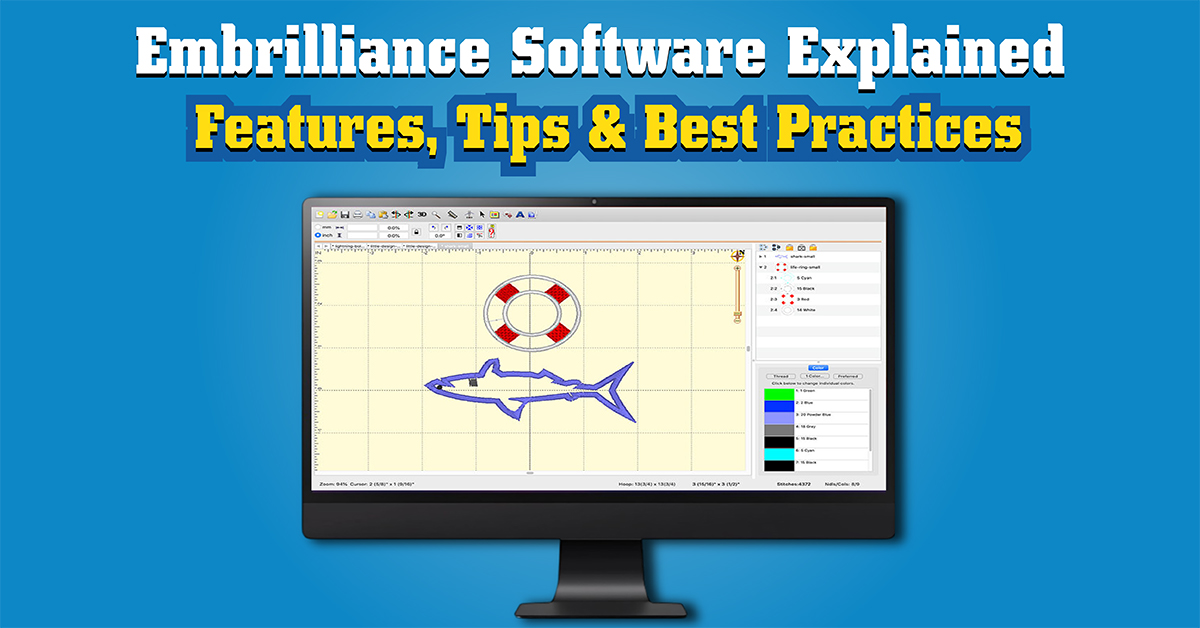
With today’s tech, embroidery is more creative and professional than ever. Embrilliance Software is a well-known program for this. It is used around the world. Embrilliance can help whether you are doing embroidery as a hobby, at home, or for a small business. It can also assist you in creating amazing designs easily.
This article covers Embrilliance Software in detail. You’ll learn about what it offers, how it functions, and how to use it. Plus, you’ll find comparisons, advantages, FAQs, and much more.
What Is Embrilliance Software?
Embrilliance Software is a set of design programs for all skill levels. You can:
- Make embroidery designs
- Adjust designs
- Change pattern sizes
- Put in words
- Put designs together
- Change file types
- See what your stitches will look like beforehand
The software is known for being simple, quick to install, and works with both Windows and Mac computers, making it a favorite choice in the embroidery world.
Why Embrilliance Software Is Popular
Embrilliance is easy to use and has many functions without needing fancy equipment. Here’s why people like it:
- Simple to figure out
- Functions on Mac and Windows
- Costs less than other options
- No USB is needed
- Works with most machines
- Many separate modules for different jobs
- Auto-updates
- Great for home use and small shops
Main Features of Embrilliance Software
Embrilliance comes with a lot of tools for design creators. Here are some of the best ones:
1. Editing Tools
You can:
- Change design sizes
- Turn and flip designs
- Adjust how close stitches are
- Change or add colors
- Take out parts of a design
2. Lettering and Fonts
The software has its own fonts and also works with BX fonts, which are easy to install.
3. Stitch Simulator
A tool that lets you see how your design will stitch out before you use real material.
4. Color Management
You can match colors from brands such as:
- Madeira
- Brother
- Robison-Anton
- Sulky
5. Design Combination
You can put several designs on top of each other and line them up to make one design.
6. File Format Support
The software works with file types like:
- PES
- DST
- JEF
- EXP
- VP3
- XXX
- HUS
This means Embrilliance works with almost all machines.
7. Mac Compatibility
A lot of programs don’t work on Mac, but Embrilliance works on both Mac and Windows.
Different Modules of Embrilliance Software
Embrilliance has different programs that do different things. Knowing what they do helps you pick the right one.
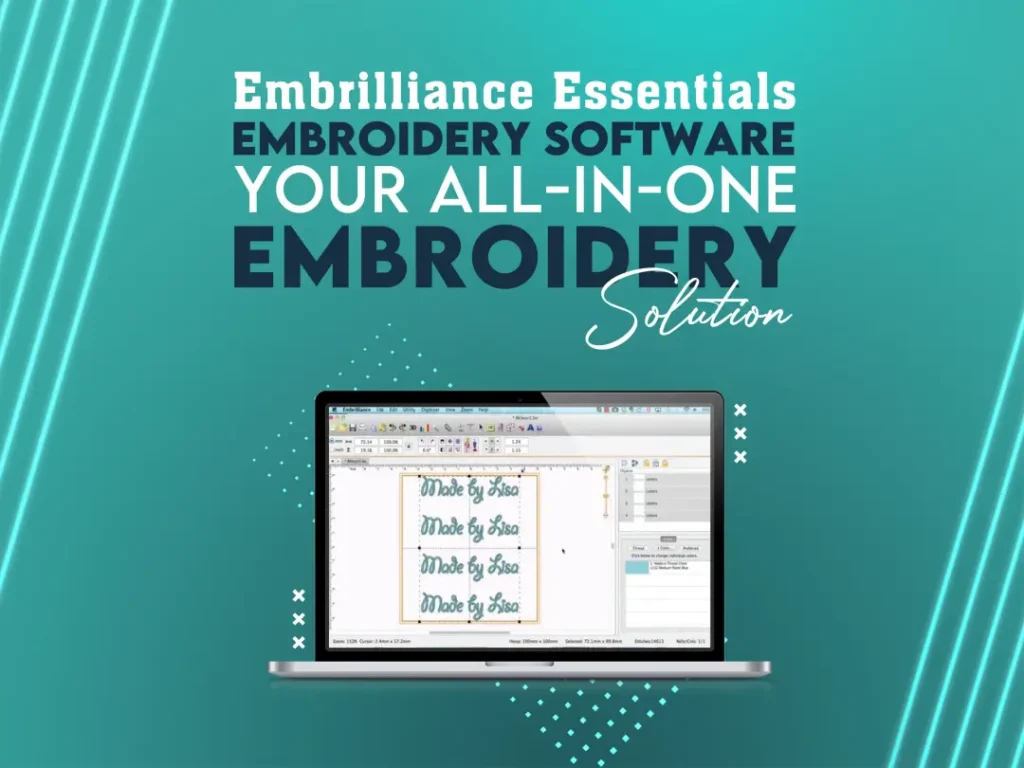
1. Embrilliance Essentials
Great for routine tasks like:
- Adjusting designs
- Adding words
- Combining patterns
- Changing thread colors
- Saving in different formats
2. Embrilliance Enthusiast
Has more tools for experienced users:
- Stitch changes
- Knockdown stitching
- Using more than one hoop
- Mirror and alignment options
- Exact design placement
3. Embrilliance StitchArtist (Levels 1, 2, 3)
For turning your designs into digital files.
- Level 1 – Basic digitizing
- Level 2 – More stitch types
- Level 3 – Tool for creating designs
4. Embrilliance AlphaTricks
Helps use non-BX fonts by turning them into fonts you can type with.
5. Embrilliance Thumbnailer
Shows you what designs look like in your computer files.
6. Embrilliance AccuQuilt
For making appliqué designs for AccuQuilt machines.
Who Should Use Embrilliance Software?
Embrilliance is good for:
1. Home Embroiderers
For personal things, gifts, and decorating.
2. Small Business Owners
For monograms, clothes decoration, or custom items.
3. Hobbyists
Anyone who likes stitching or making their own embroidery.
4. Digitizers
StitchArtist add-ons let you make unique designs.
Common Uses of Embrilliance Software
Embrilliance is used for tasks like:
- Monograms
- Logos
- Appliqué digitizing
- Custom clothes
- Baby accessories
- Quilt labels
- Home décor
- Personalized gifts
How to Use Embrilliance Software: Step-by-Step Guide
If you’re new, here’s a simple guide.
1: Install the Software
After buying, get it on your computer. Input your serial number to open its tools.
2: Open the Program
Once it’s installed, you’ll see the main screen with toolbars and an empty area.
3: Import an Embroidery Design
- Go to File > Open
- Pick a file (PES, JEF, DST, etc.)
Your design will show up.
4: Edit the Design
You can:
- Turn it
- Resize it
- Change colors
- Remove stitches
- Add words
- Put designs together
Use the left side for tools and the right for properties.
5: Add Text or Lettering
- Click the Lettering Tool
- Type what you want
- Pick font, size, spacing, and layout
BX fonts install when you double-click.
6: Preview Stitches
Use Stitch Simulator to check:
- Stitches
- Jumps
- Fills
- How close they are
This helps stop mistakes before stitching.
7: Save Your Design
Save in your machine’s format:
- Brother → PES
- Janome → JEF
- Melco → EXP
- Husqvarna → HUS
- Bernina → DST
8: Export to USB
Copy the file to a USB and put it into your machine.
Benefits of Using Embrilliance SoftwarE
Embrilliance has many positives, especially for home users:
1. Easy to Learn
Its simple design makes it good for beginners.
2. No Dongle Required
A lot of software needs a USB, but not this one.
3. Affordable for All Levels
You can start with the basics and add more.
4. Full Mac and Windows Support
It runs on both systems without problems.
5. Wide File Compatibility
You can bring in and send out almost any file type.
6. Lightweight Software
Runs on older computers.
Tips for Getting the Most Out of IT
- Begin with the basics.
- Use BX fonts for easy lettering.
- Save designs in different formats.
- Check simulation.
- Use color charts.
- Use shortcuts to speed up.
- Use multi-hooping for big things.
FAQs
Q1. Can Embrilliance run on Mac?
Yes, it works with macOS and Windows.
Q2. Do I need a USB dongle to use Embrilliance?
No, just input your number and start.
Q3. Can I digitize my own designs with Embrilliance?
Yes, use StitchArtist for this.
Q4. What is the difference between Essentials and Enthusiast?
Essentials is for basics, Enthusiast has tools like stitch changes and multi-hooping.
Q5. Can I preview embroidery files on my computer?
Use the Embrilliance Thumbnailer add-on.
Q6. Are updates free?
Yes, Embrilliance provides free updates.
Q7. Can I use BX fonts in Embrilliance?
Yes, BX fonts are fully supported and install instantly.
Q8. Does Embrilliance support my embroidery machine format?
Likely. It works with PES, DST, JEF, EXP, HUS, etc.
Q9. Can I combine multiple designs?
Yes, you can merge, align, and edit multiple designs easily.
Q10. Is Embrilliance good for small businesses?
Absolutely. It is affordable, powerful, and easy to use for product customization and monogramming services.
Conclusion
Embrilliance is a embroidery software that’s easy to use and can do a lot. It can handle simple edits and also help with more complex design work. This makes it a good pick for people who sew at home, enjoy embroidery as a hobby, or run small embroidery businesses.
You can resize designs, put in text, make appliqués, turn your own art into digital designs, and keep your embroidery stuff organized with it. It’s not too expensive, it’s simple to learn, and it works on both Macs and Windows computers, which gives it an edge over other software.
If you need embroidery software that’s dependable, adaptable, and easy for beginners, Embrilliance is a great choice. It can also keep up with you as you get better at embroidery.